Step 1
Capture
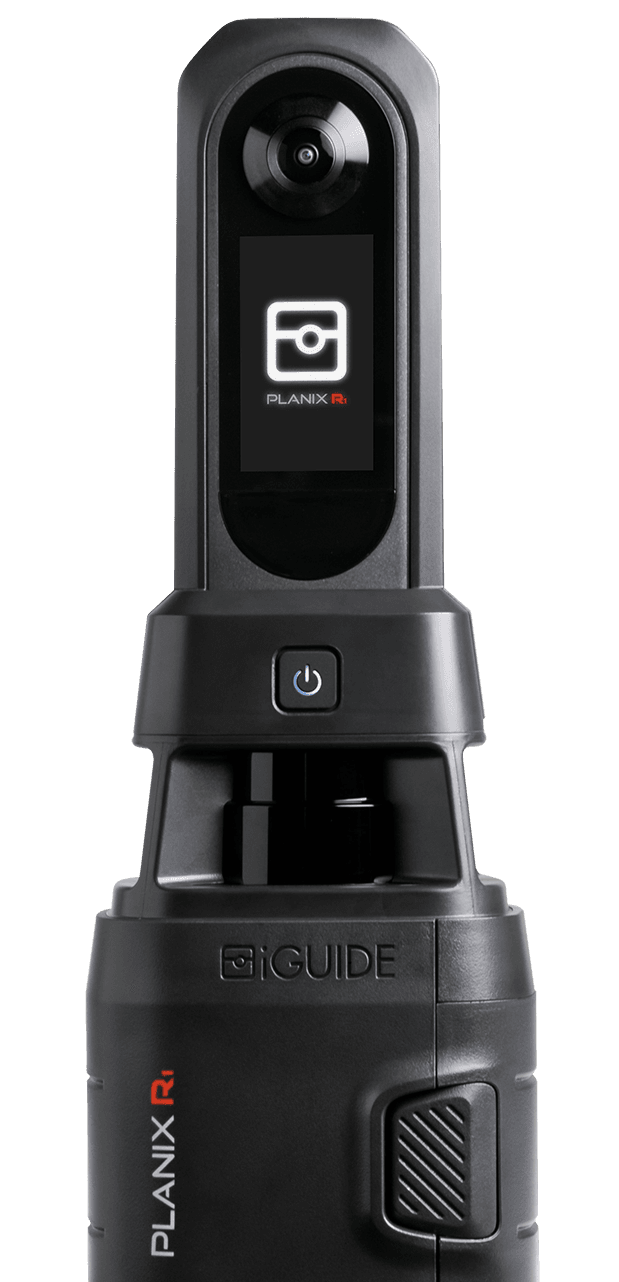
Connect your iGuide PLANIX R1 Camera to your smart device, create a new project and start scanning the property.
Capture immersive images and precise measurements with every scan.
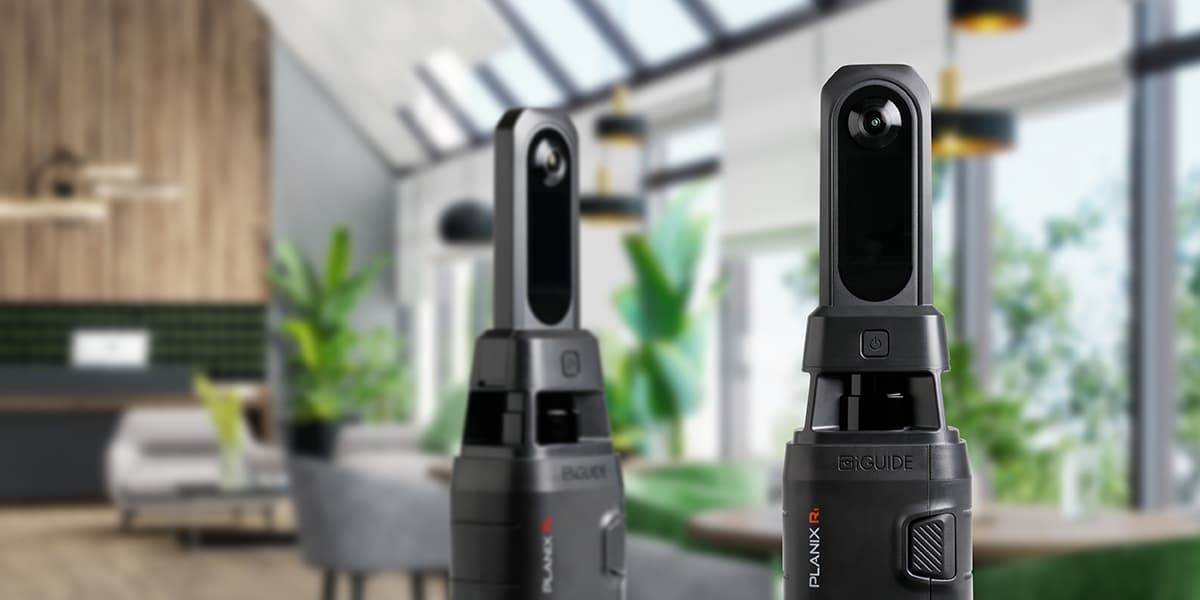




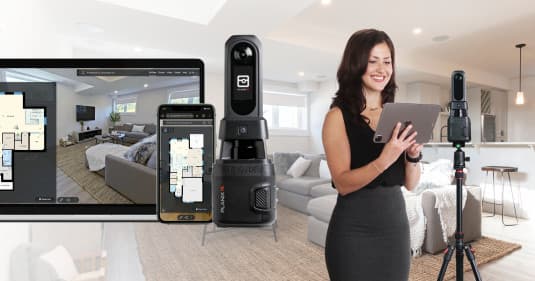
Use the iGuide PLANIX R1 camera system to accurately document spaces and create an iGuide in minutes. Each iGuide provides:


Looking to create accurate floor plans and immersive 3D tours that are easy to navigate?
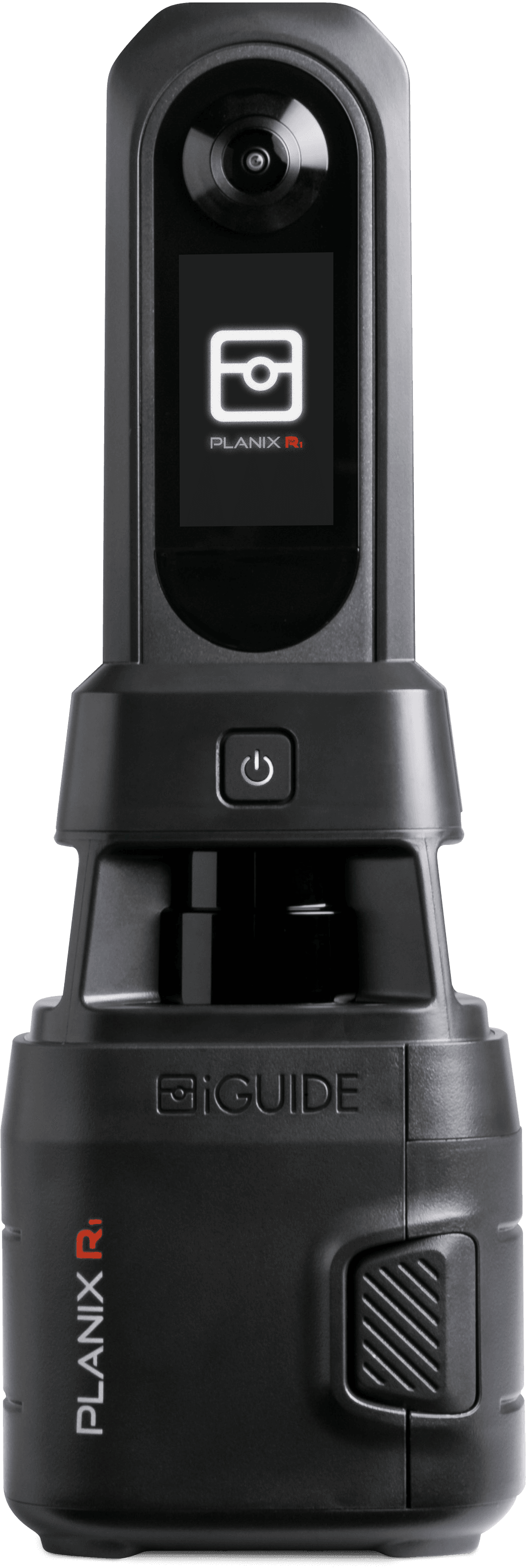
The iGuide PLANIX R1 camera system is for you! With a built-in time-of-flight lidar scanner, the camera’s accuracy exceeds commercial and residential industry standards.
iGuide’s new PLANIX R1 is a game-changer: faster, more capable, and essential to our success. It’s a clear winner!
iGuide Processing is per project with no subscription fees!
Ready to experience the power of iGuide? Schedule a personalized demo with an iGuide Specialist.
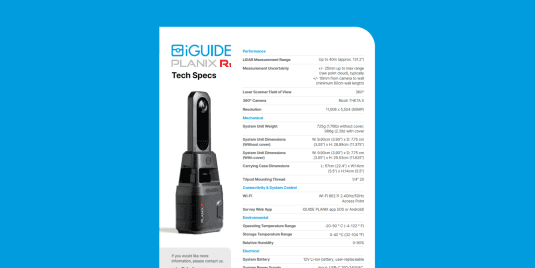
11,008 x 5,504px or roughly 60MP.
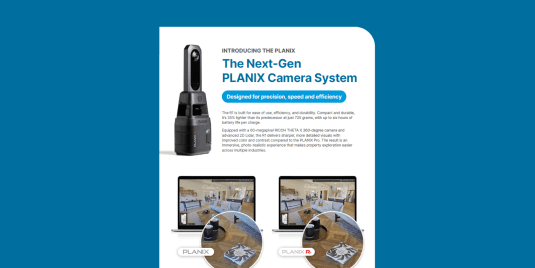
PLANIX R1 is smaller, lighter, faster and higher resolution than the PLANIX Pro. It also has a System Shield cover to protect the lenses during transit.
No, although it’s meant to be more durable when placed in a bag and carried but should never be dropped or exposed to moisture.
The PLANIX R1 was designed to be durable and doesn’t require a hard transport case. The included soft case was chosen for its versatility and ease of use.
When using PLANIX R1 all project data is stored on the smart device used for capture. Data can be transferred via a USB cable or wirelessly if your phone/computer supports it.
When using the PLANIX App on iOS or Android, the PLANIX R1 can submit data to the iGuide Portal directly from the smart device used for capture. The process is much faster than with PLANIX Pro because with PLANIX R1, processing occurs parallel with capture, eliminating the need to process export.
Almost any iOS or Android device of any size or shape can control the PLANIX R1. However, because the smart device is used to store project data it’s a good idea to use a device that has at least 16GB of storage.
The PLANIX R1 is compatible with a wide variety of tripods. The following features are recommended:
iGuide proprietary software is used to process the data on your home computer. It automatically aligns and stitches panoramas for you. You can then make further changes and adjust colors if you wish.
Since the camera system uses auto white balance, auto exposure and auto alignment, most iGuide operators spend as little as 2-3 minutes in our post processing software “Stitch” before sending us the data. Additional time is needed for processing still images for the image gallery and will depend on your individual preferences and workflow.
We have a network of iGuide Service Operators available to help. Visit our iGuide Service Operator map to find one close to you.
The iGuide PLANIX camera system has a typical battery life of 7 hours.
Yes. The warranty for the iGuide PLANIX camera system is one year for parts, materials and workmanship.
The camera images are saved as JPEGs and can be modified in any image-processing software (e.g. to edit your mirror reflections) prior to being automatically stitched into panoramas in Planitar proprietary software.
We have an online training library with videos, articles and step-by-step instructions hosted on our iGuide Help Center.
Yes. We have partners with Bread Financial for U.S. purchases and RBC PayPlan in Canada. For more additional details visit our store financing page.
The iGuide PLANIX camera system performs well in low-light settings. The camera system can brighten darker spaces by utilizing its HDR (High Dynamic Range).
Our return policy: Customer may return, at the expense of Customer, the first System ever purchased by Customer from Planitar within 30 days of the date of the original shipment provided that the System is in the original packaging and all shipping instructions provided by Planitar are followed. For clarity: (i) no returns are possible after the 30 day period; and (ii) this Return Policy does not apply to any subsequently purchased System or any System obtained through a trade-in program. If the System is returned within this timeframe and confirmed by Planitar to be in full working condition and not to be damaged, Planitar will provide a refund based upon the original payment method and paid amount. Customer agrees that the refund will exclude the following: (i) restocking fee equal to 15% of the original System price; (ii) original shipping costs to Customer, and (iii) cost of any repairs required to restore the System to full working condition, as deemed necessary by Planitar.
No. iGuide technology is not compatible with third-party camera systems. Our proprietary iGuide PLANIX camera system is built and calibrated to accurately capture the data and information needed to generate iGuide 3D virtual tours, floor plans, and photos.
The iGuide PLANIX camera system is ideal for real estate, construction, insurance professionals and property managers who must capture high-quality images, floor plans and 3D tours of interior spaces.
This system is specifically designed to streamline the creation process of comprehensive property documentation, allowing users to efficiently generate visual assets for marketing and informational purposes.
With its advanced imaging capabilities and intuitive software integration, the iGuide PLANIX camera system facilitates the production of immersive virtual tours and detailed floor plans, enhancing the overall presentation and understanding of a property's layout and features.

“It used to take me over two-and-a-half hours to go into a home and just do measurements and manually insert them into floor plans. But, with iGuide, it was all so quick and easy. I have been able to grow my business by a whopping 375% using iGuide, and the cost of the camera has paid for itself a hundredfold, many times over!”

“By adding iGuide as a service, I had a well-rounded, complete solution to offer clients. So my capacity is at zero since I started offering iGuide.”

“I made enough revenue to cover that in the first 10 weeks or something, it was crazy how quickly it paid for itself, and it's continued to generate a good degree of profit for me every single month since.”

“It [iGuide] was faster. It was lighter. It was smaller. It made more sense to me. The interface just made more sense to me.”
Start taking control of your environments, digitally. Shop the iGuide store for latest products and pricing.