

Step 1
Capture
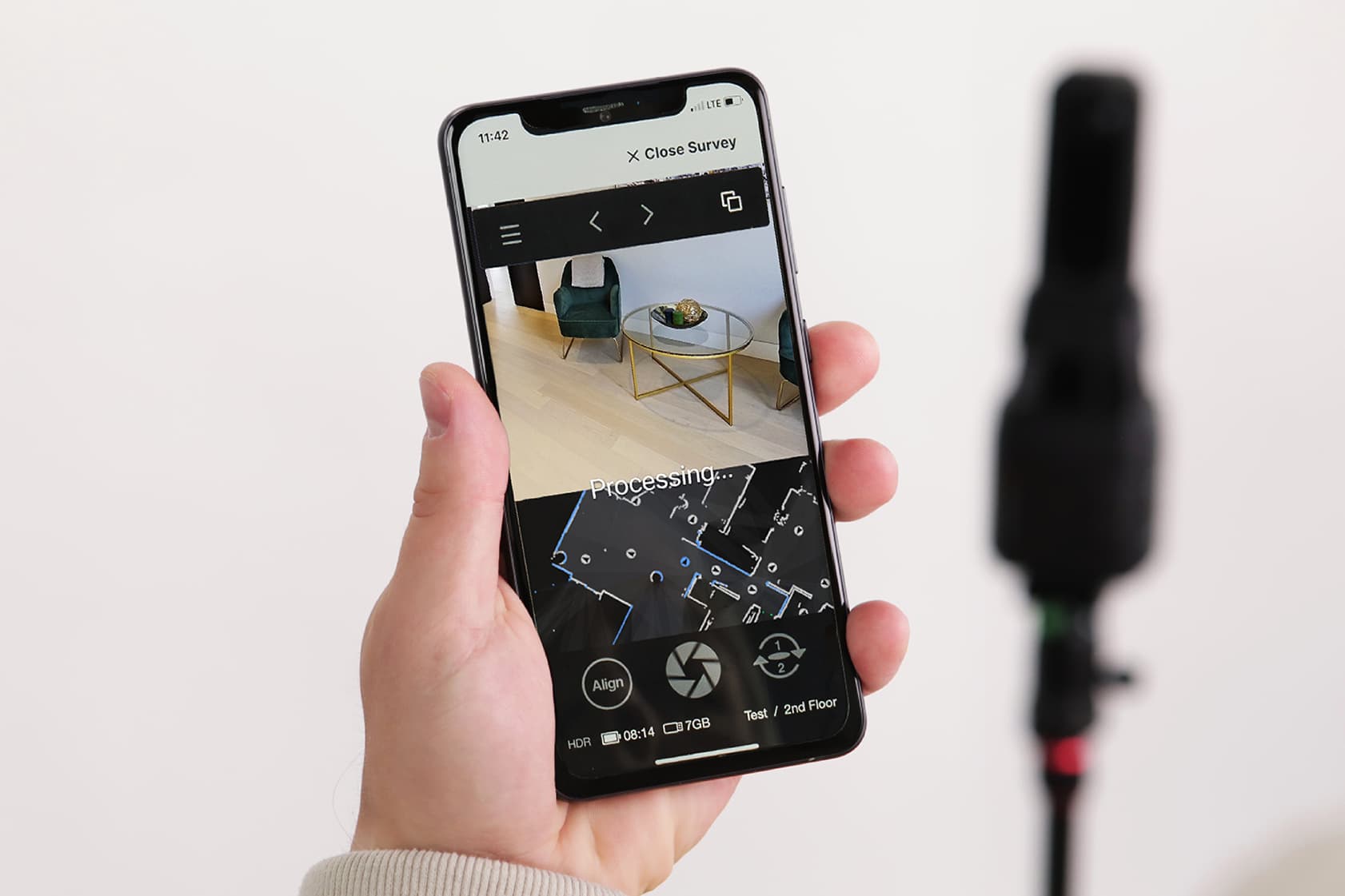
Connect your iGuide PLANIX R1 camera to your device, create a project, and scan the site. Don’t want to buy a camera? Find your local iGuide Pro to capture for you!
From LiDAR scans to CAD-ready files, iGuide delivers everything you need to design, collaborate and build. Starting with just one visit.
Trusted by thousands of AEC professionals worldwide











Inaccurate as-builts. Missed dimensions. Repeat site visits. iGuide eliminates what slows you down.




With iGuide, we kicked off new projects 50% faster and never had to go back to site.
Using iGuide, MC3 Group cut fieldwork to just 1–2 hours with a single team member. Precise floor plans and 3D models are captured at once, eliminating manual steps. Unlike other tools that offer visuals or measurements, iGuide delivers both.
iGuide combines LiDAR scanning, 3D visualization and CAD-ready files into one package so you can move from capture to design without delay.
Projects differ. So should your deliverables. Order an Advanced Drawing Package with a variety of flexible add-ons to match your project’s needs.
Available add-ons. Add the specific drawings your team needs. Get exactly what fits your project. CAD Floor Plan (DWG): drafted floor plan in DWG format with LOD 200 detail. Includes AIA standard layers, annotations and LiDAR point cloud data (DXF). Annotations are only included with iGuide Premium or Advanced Drawing Packages.
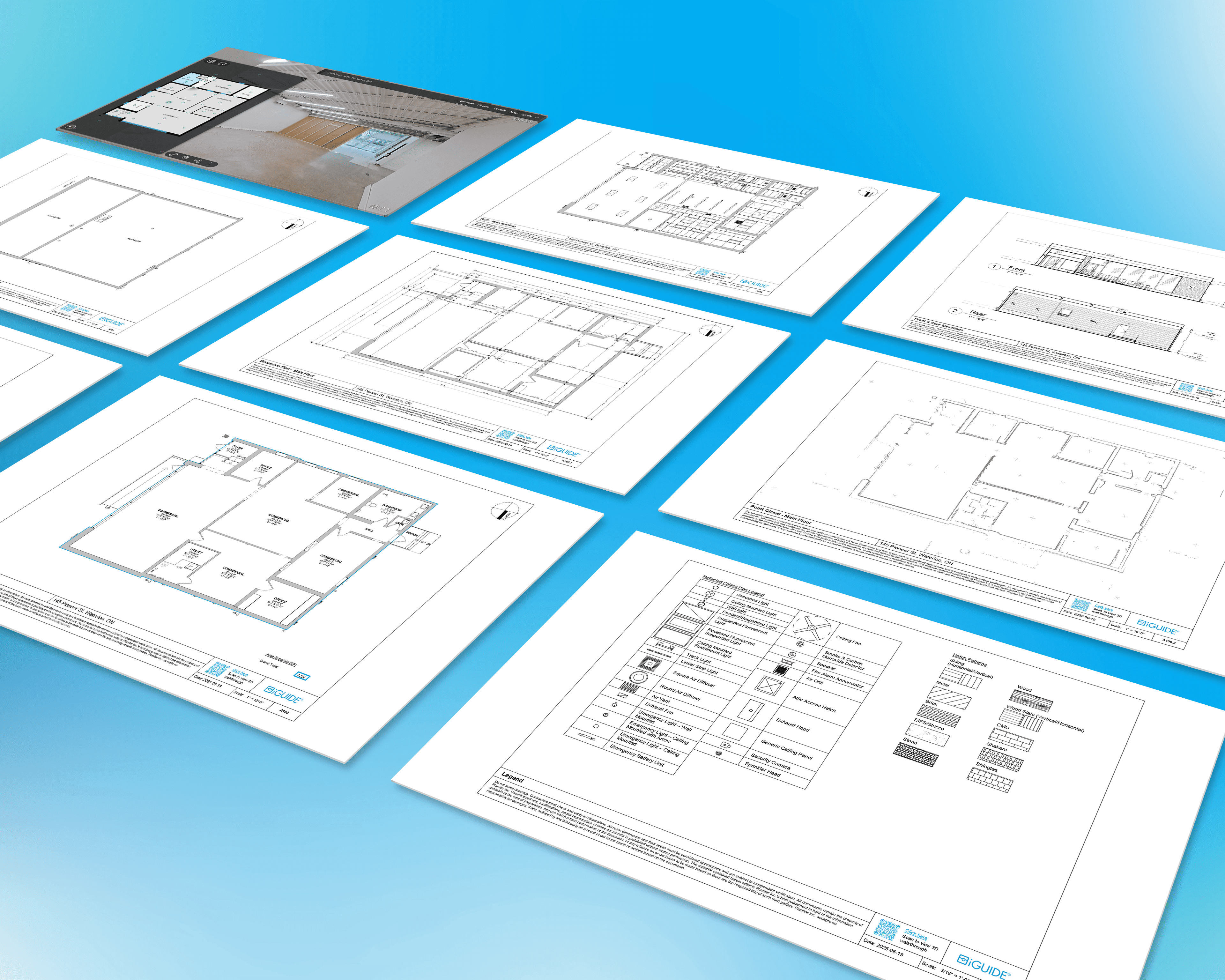
From initial site surveys to project close-out, iGuide delivers the visuals and measurements you need to document progress and ensure accuracy.
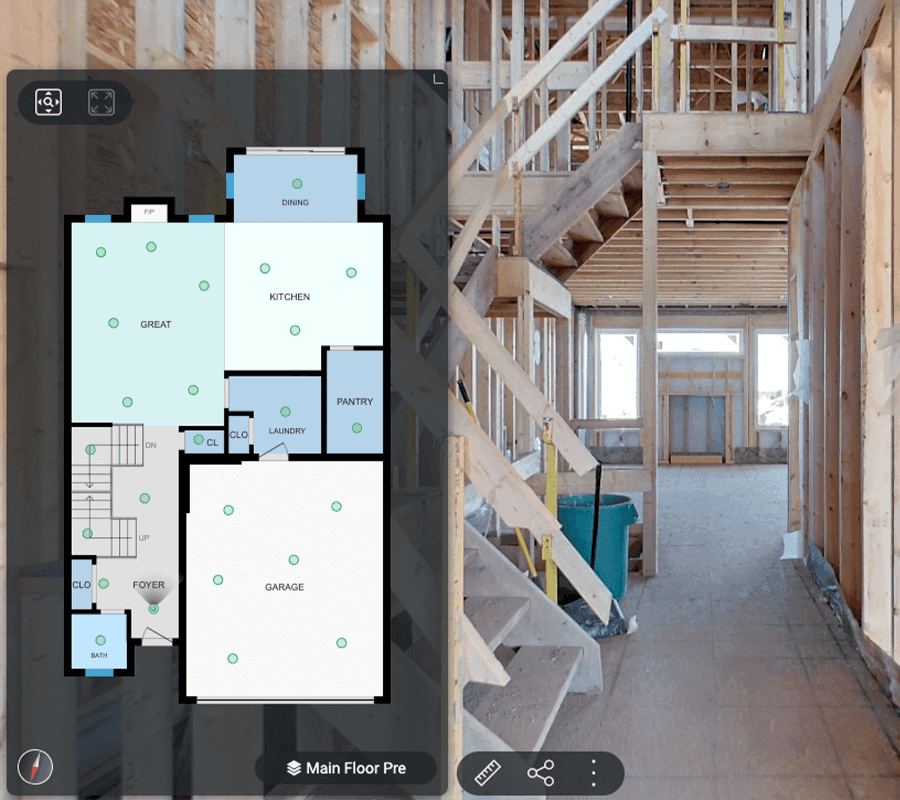
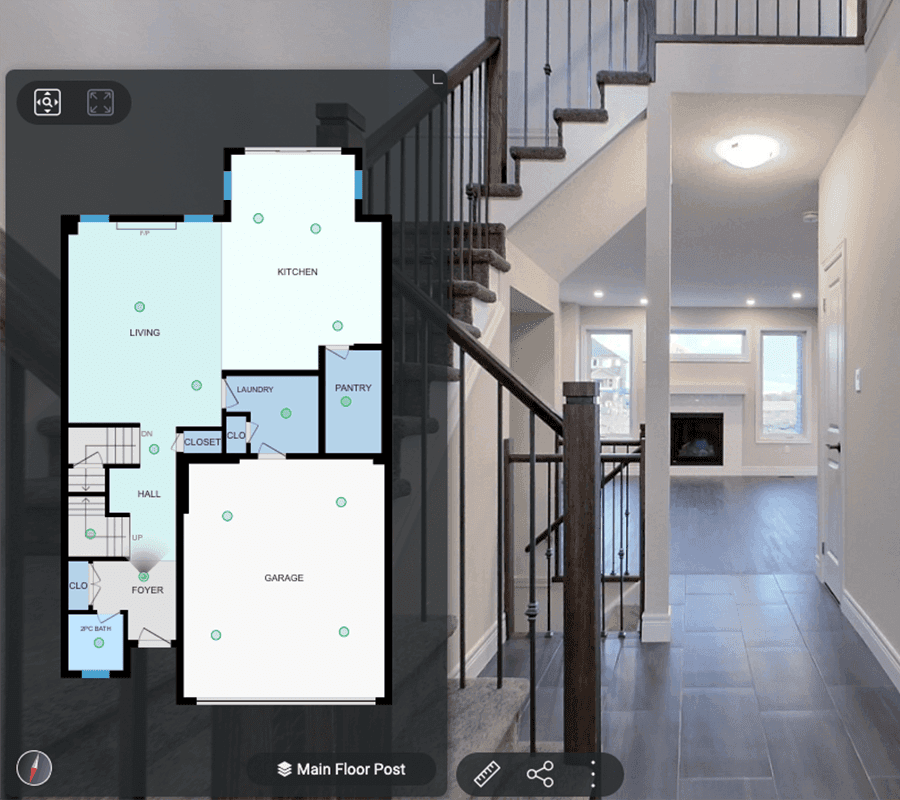

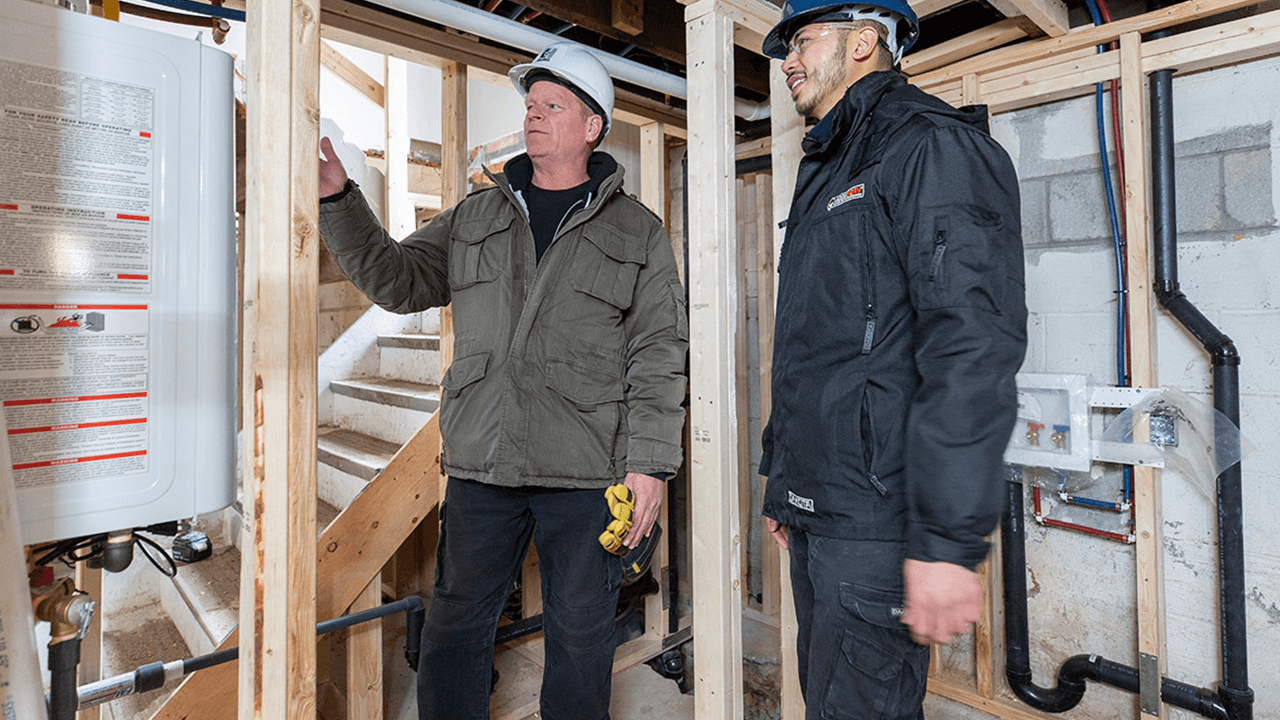
One of the smartest things you can do on any build is document what’s behind the walls. With iGuide, you can tag electrical, plumbing, and structural elements before they’re covered, so years later there’s no guessing. That’s priceless for maintenance and renovations.
Files delivered ready for



DXF, DWG, RVT, PDF and a 3D virtual walkthrough
DWG floor plans have an acceptable tolerance for wall thicknesses of + or – 1/2”. This information is based upon the maximum dimensions of each room and will affect room dimensions, which can also vary.
Yes, iGuide can document different project stages and Real-Time Tags can be used to identify points of interest within the virtual walkthrough.
No. All pricing is per project, and you own the data. You can download the project and host it yourself if you choose.
No, our national network of iGuide Pros is ready to capture on-site data for you.
Deliverables are available within days of capture, typically 48 to 72 hours post iGuide delivery.
Please download and open the sample files to test your software for compatibility.