What's new in iGuide: Real-time floor plan previews, in-portal still images and faster deliverables
This release is about getting more done in a single visit. Watch your floor plan build in real time as you scan, grab still images from the portal and get a cleaner tour with faster deliverables on every project.

The trip back to a property is time you do not get paid for. This release is built to keep you from making it. As you scan, PLANIX now shows your floor plan building on your phone in real time, so you catch a missed closet or a tricky corner while you are still in the room. Here's everything that shipped.
Want to watch instead? Here's the latest episode of Beyond the Scan for a quick walkthrough of these updates.
New to the series? Catch up on the last episode of Beyond the Scan for Site Plans, Branded Property Overviews and more.
Real-time floor plan previews in the PLANIX app
This is the one that changes what you know before you drive away.
As you scan with the PLANIX app, a preview of your floor plan builds on your phone in real time. You watch the walls, rooms and doorways appear as you go. The preview also shows where the scan is confident and where it needs a little more, so a missed closet or a tricky corner is something you fix on site, not on a second trip.
Fewer callbacks. More confidence on every job, whether it is your first scan or your thousandth.
To turn it on, update your PLANIX app, sign in and download the feature pack. It 's rolling out on supported devices, and you can switch it on or off anytime in settings.
Update your PLANIX app to try it.
A cleaner virtual tour, now with keyboard navigation
A lot of this came straight from your feedback.
We adjusted pano sizing, refined how the view behaves across devices and smoothed out scrolling. The result is a cleaner, less cluttered tour that holds up whether your client is on a phone, tablet or desktop.
On desktop, you can now move through a space with your keyboard. Use the arrow keys to travel room to room and look around alongside your mouse. It's a faster way to get where you are going, and it makes your tour easier for everyone to explore.
We've also enhanced tags. Instead of generic pins, you now place colour-coded icons on the 2D floor plan as you capture. Tap and hold anywhere on the plan to drop a tag, then pick an icon from the library. It's quick on site, and you can see your coverage before you leave. Each icon carries through to the Viewer, the Tag List PDF and the SVG export, so everyone downstream reads the same record. See how Enhanced Tags work across different jobs.
Pull still images straight from your iGuide
Need a quick image from a property you have already scanned? You no longer have to go back for it.
You can now pull still images from your iGuide right in the portal. Line up the shot with the on-screen grid, set your framing and capture. The image drops into your gallery, ready to download.
These aren't a replacement for your polished listing photos. They're a fast way to grab an image from the iGuide whenever you need one, without a second trip to the property.
Faster Site Plan delivery and layered SVG floor plan exports
Your Site Plan no longer holds up your order. Order a Site Plan with your iGuide and you no longer wait on it. Your iGuide is delivered first on its normal timeline, and the Site Plan follows separately once it is ready. Your order keeps moving.
Layered SVG exports built for design tools. For anyone who likes to get hands-on, floor plan SVG exports are built for tools like Illustrator. Walls, rooms, labels and dimensions each come on their own layer, so you can rotate, restyle and edit the plan however you want.
More in your Xactimate ESX sketches, plus ESX Direct
This one is for the insurance and restoration crowd.
If you work with Xactimate, your ESX sketches now include more, at no additional cost. On the Premium package, you get more premium fixtures and appliances built right into the sketch. Across both Standard and Premium, we have added more outdoor items, again at no extra cost, so your sketch comes out more complete.
And if you work with Instant Sketch, ESX Direct is now live. Download your ESX files straight from the portal. No token workflow. No copy and paste. Open the portal, download the file and you're done.
Live chat support
When you need a hand, you can now reach us in real time. We've started rolling out live chat.
To get you answers faster, chats are handled first by an AI assistant that can search our help resources and answer many questions on the spot. If it can't solve the issue, it connects you with a member of our support team right away. Same team you already know, with a faster way to reach them.
Start using these updates on your next capture
Every one of these updates is built to fit the way you already work, from the scan on site to the report you hand your client.
Update your PLANIX app to get real-time floor plan previews. Explore the rest in the Help Center.
Want to see how other Pros are putting these to work? Browse real examples from the iGuide community.
That's it for this episode of Beyond the Scan. Go capture something great.

Store
Start taking control of your environments, digitally. Shop the iGuide store for latest products and pricing.
Shop now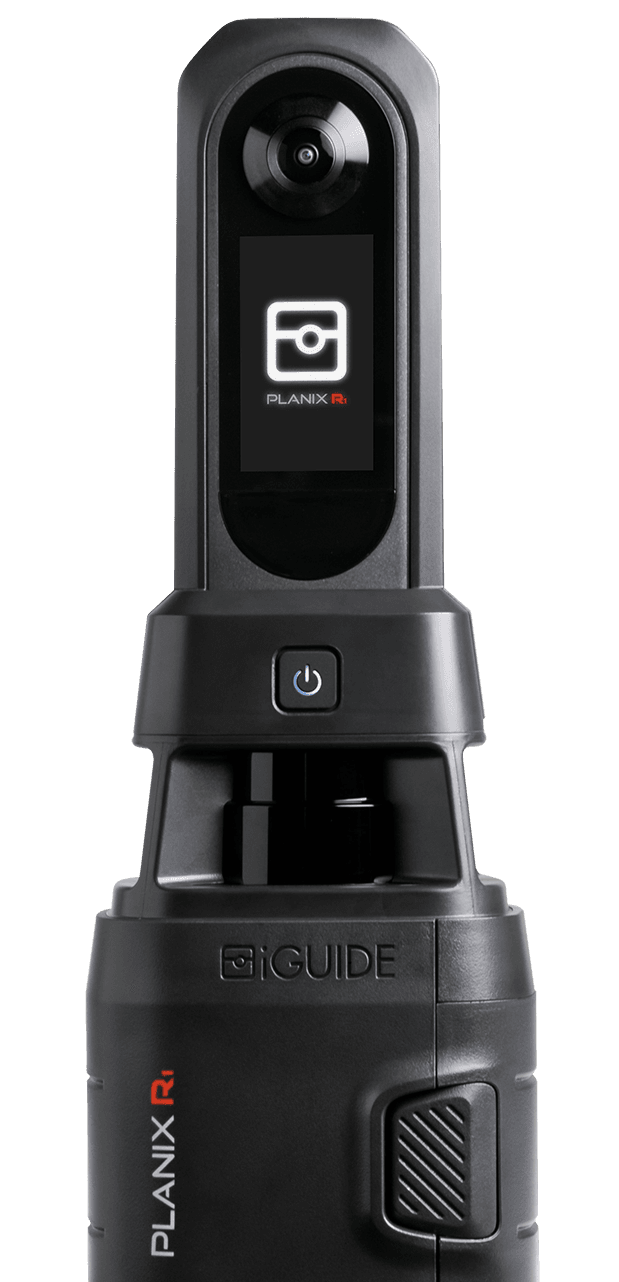
Related blog
- Blog

Find real estate photography jobs near you on ION
ION is iGuide's operator network and job board, where real estate photographers and capture Pros find paid work. Clients post capture jobs by location. Pros nearby get notified, review the details and place a bid. Your profile shows delivered tours, reviews and response time, so clients see proof before they reach out.
- Blog

Room dimensions, right where buyers are looking
Turn on Dimensions and every room's measurements appear right in the iGuide tour. Buyers can picture the furniture, test a layout and confirm a home fits before booking a showing, with no measuring tool to open.
- Blog

Real estate photography that earns more per shoot
You're already on site shooting. Adding a 3D virtual tour, accurate floor plans and Site Plans from the same visit is what agents now expect on realestate.com.au. One capture. More revenue per shoot. Delivered within 24 hours, pay per project, no subscriptions. Here is how the workflow pays.